Image Editing
Based on advanced "Image-Guided Generation" technology, this allows users to precisely reshape existing images. Supporting multi-image reference modes, it can extract structure from image A and style from image B to fuse them into a brand new visual work. Ideal for local modifications, style redrawing, and complex compositing tasks.
Typical Application Scenarios
- Style Transfer: Keep the original composition while converting it to anime, oil painting, or cyberpunk styles.
- Attribute Modification: Keep the main structure unchanged while using text commands to modify clothing color, weather, or background props.
- Character Composition: Blend elements (like characters and backgrounds) from multiple images into a single scene.
API Reference used on this page POST /images/edits
Image Input Formats
Image parameters accept three formats — choose based on your workflow:
- Previous task result: Use the
asset_pathreturned by a prior task directly as the field value, ideal for chaining steps (e.g., generate → edit → process) - Base64 encoding: Format
data:image/png;base64,<data>, suitable for local files or small images - Public URL: Any
https://accessible image link; the system downloads and processes it automatically
Basic Examples
curl -X POST 'https://api.v2fun.ai/api/v1/images/edits' \
  -H 'Authorization: Bearer $V2FUN_API_KEY' \
  -H 'Content-Type: application/json' \
  -d '{
      "prompt": "A beautiful sunset over the mountains",
      "input_images": [
        "images/example_1.png",
        "images/example_2.png"
      ]
}'const response = await fetch('https://api.v2fun.ai/api/v1/images/edits', {
method: 'POST',
headers: {
'Authorization': 'Bearer $V2FUN_API_KEY',
'Content-Type': 'application/json',
},
body: JSON.stringify({
"prompt": "A beautiful sunset over the mountains",
"input_images": [
"images/example_1.png",
"images/example_2.png"
]
}),
});
const data = await response.json();import requests
resp = requests.post(
'https://api.v2fun.ai/api/v1/images/edits',
headers={
'Authorization': 'Bearer $V2FUN_API_KEY',
'Content-Type': 'application/json',
},
json={
"prompt": "A beautiful sunset over the mountains",
"input_images": [
"images/example_1.png",
"images/example_2.png"
]
},
)
print(resp.json())import java.net.URI;
import java.net.http.*;
HttpClient client = HttpClient.newHttpClient();
String body = "{\"prompt\":\"A beautiful sunset over the mountains\",\"input_images\":[\"images/example_1.png\",\"images/example_2.png\"]}";
HttpRequest request = HttpRequest.newBuilder()
.uri(URI.create("https://api.v2fun.ai/api/v1/images/edits"))
.header("Authorization", "Bearer $V2FUN_API_KEY")
.header("Content-Type", "application/json")
.POST(HttpRequest.BodyPublishers.ofString(body))
.build();
HttpResponse<String> response = client.send(
request, HttpResponse.BodyHandlers.ofString());
System.out.println(response.body());Core Use Cases
Describe Your Edits
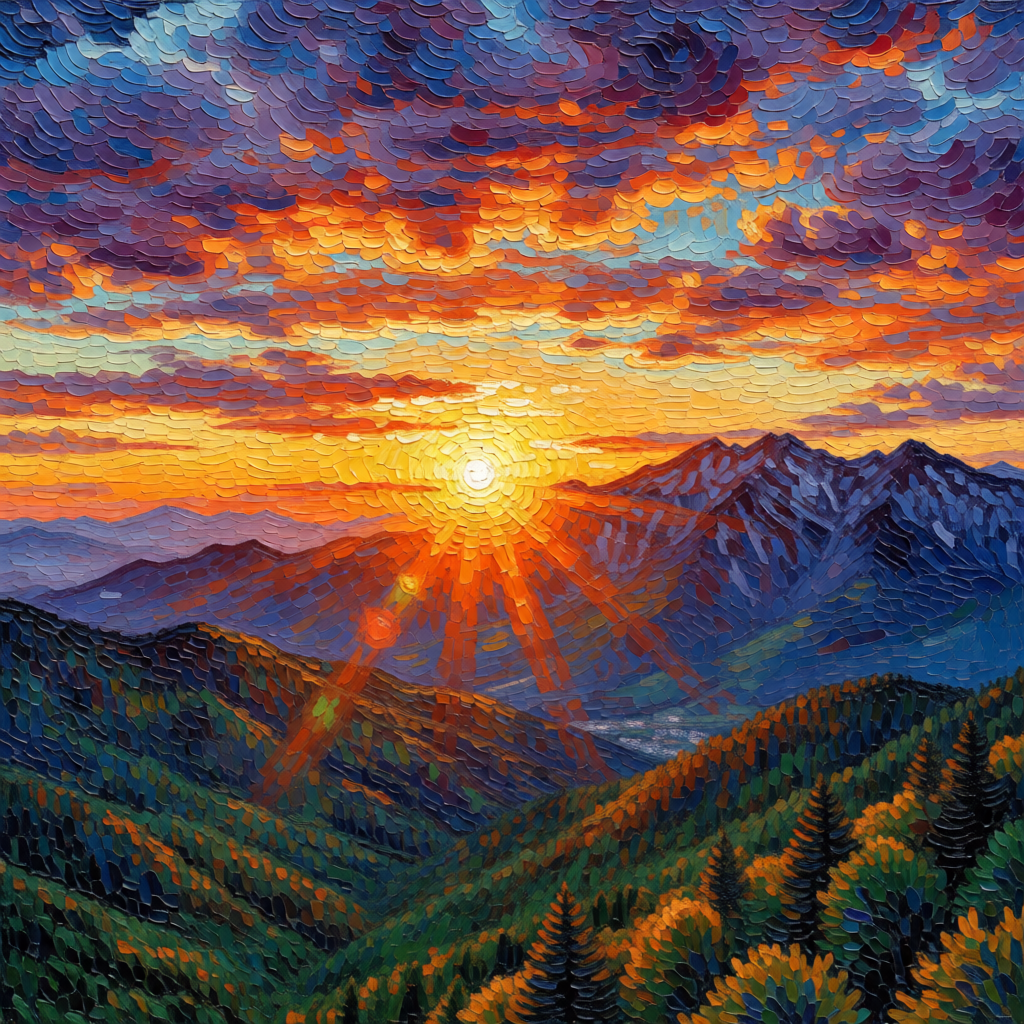
Tell the AI how you want to modify or transform the input image via a text prompt. The AI performs precise edits or complete style transfers — for example, converting a photo into an impressionist oil painting.
curl -X POST 'https://api.v2fun.ai/api/v1/images/edits' \
  -H 'Authorization: Bearer $V2FUN_API_KEY' \
  -H 'Content-Type: application/json' \
  -d '{
      "prompt": "transform into a vivid impressionist oil painting style, thick brush strokes, vibrant colors, Van Gogh style",
      "input_images": [
        "https://asset.v2fun.ai/upload/img-basic.png"
      ]
}'const response = await fetch('https://api.v2fun.ai/api/v1/images/edits', {
method: 'POST',
headers: {
'Authorization': 'Bearer $V2FUN_API_KEY',
'Content-Type': 'application/json',
},
body: JSON.stringify({
"prompt": "transform into a vivid impressionist oil painting style, thick brush strokes, vibrant colors, Van Gogh style",
"input_images": [
"https://asset.v2fun.ai/upload/img-basic.png"
]
}),
});
const data = await response.json();import requests
resp = requests.post(
'https://api.v2fun.ai/api/v1/images/edits',
headers={
'Authorization': 'Bearer $V2FUN_API_KEY',
'Content-Type': 'application/json',
},
json={
"prompt": "transform into a vivid impressionist oil painting style, thick brush strokes, vibrant colors, Van Gogh style",
"input_images": [
"https://asset.v2fun.ai/upload/img-basic.png"
]
},
)
print(resp.json())import java.net.URI;
import java.net.http.*;
HttpClient client = HttpClient.newHttpClient();
String body = "{\"prompt\":\"transform into a vivid impressionist oil painting style, thick brush strokes, vibrant colors, Van Gogh style\",\"input_images\":[\"https://asset.v2fun.ai/upload/img-basic.png\"]}";
HttpRequest request = HttpRequest.newBuilder()
.uri(URI.create("https://api.v2fun.ai/api/v1/images/edits"))
.header("Authorization", "Bearer $V2FUN_API_KEY")
.header("Content-Type", "application/json")
.POST(HttpRequest.BodyPublishers.ofString(body))
.build();
HttpResponse<String> response = client.send(
request, HttpResponse.BodyHandlers.ofString());
System.out.println(response.body());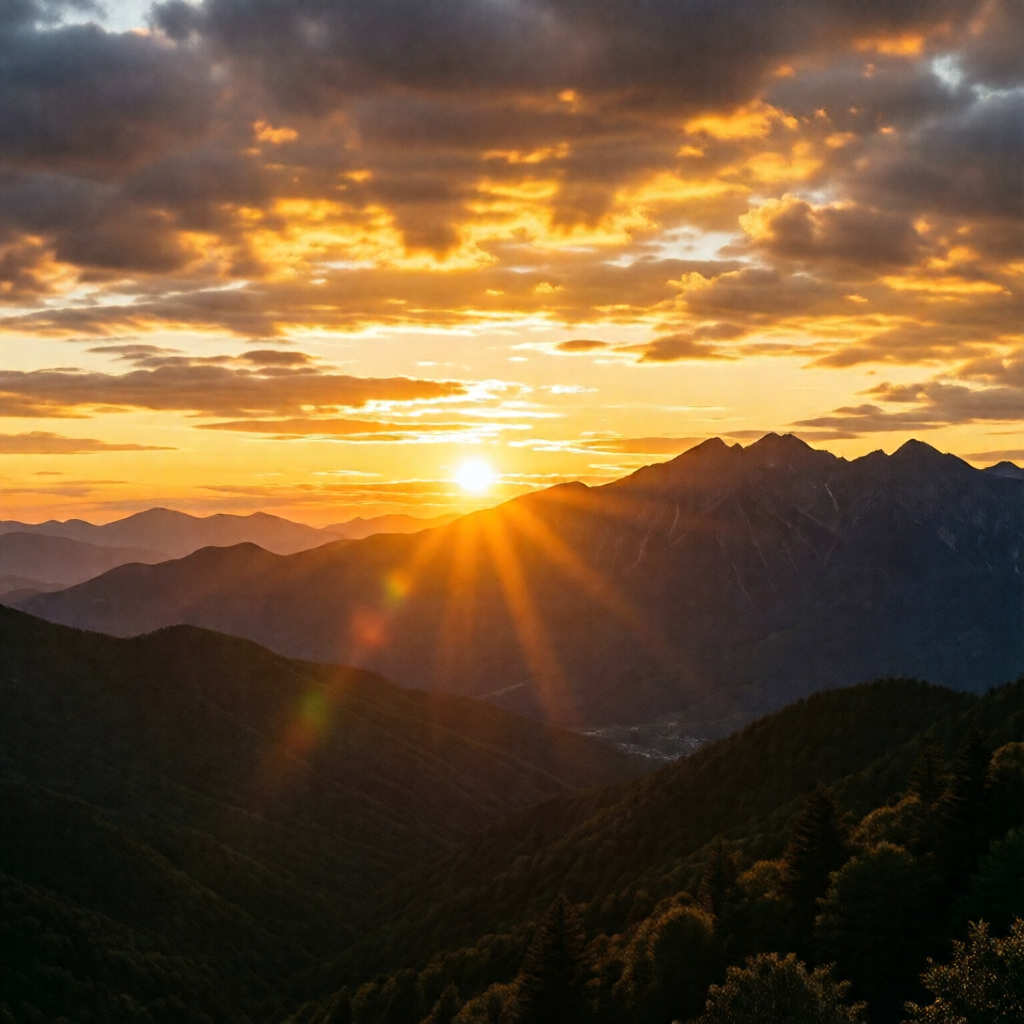
Multi-Image Semantic Fusion
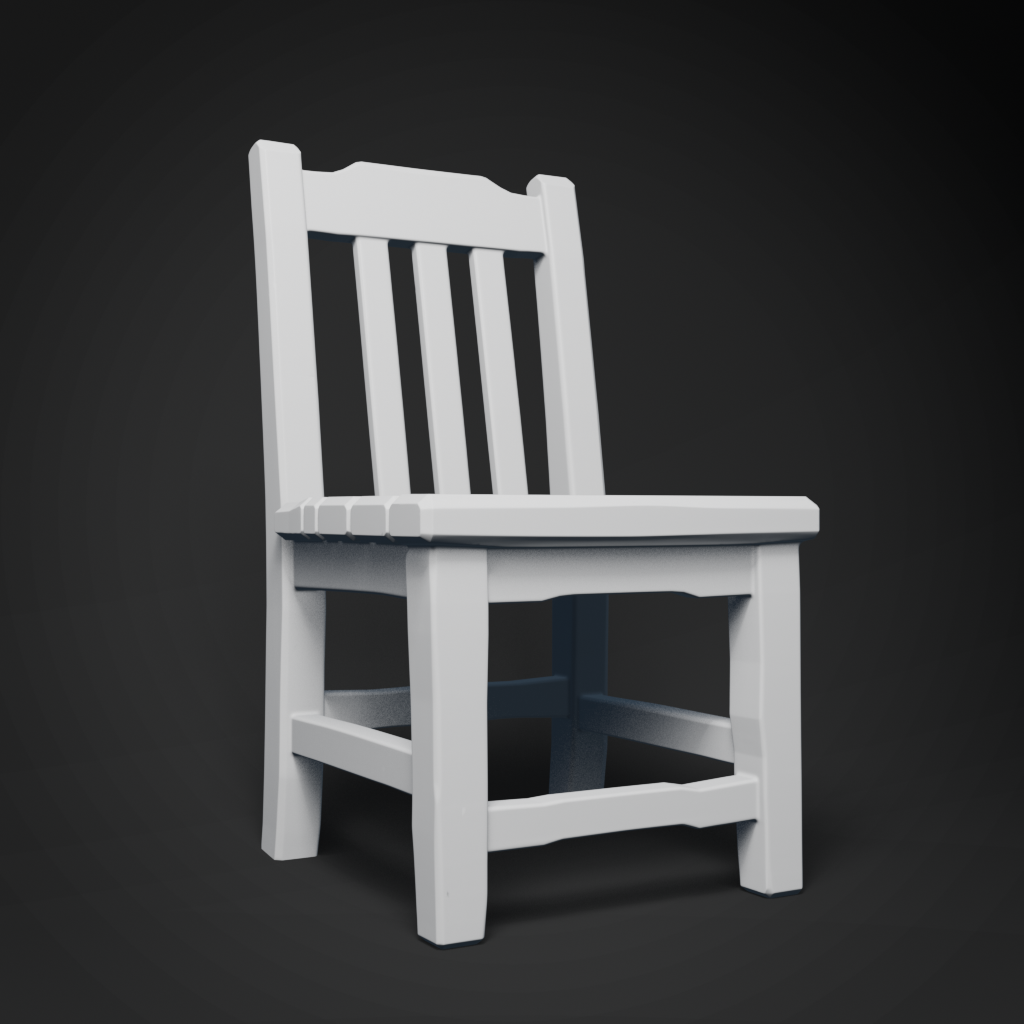
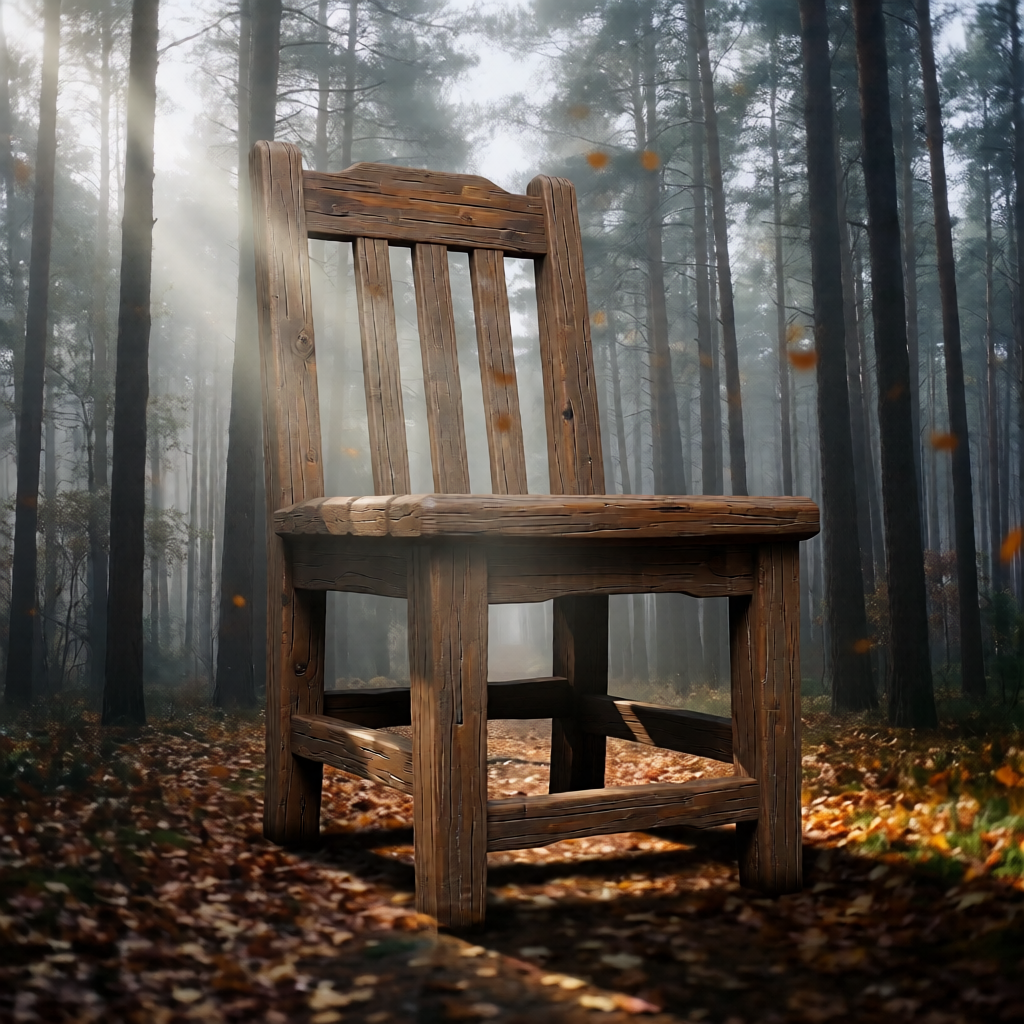
Supports up to 3 reference images. You can upload a portrait and a background, and the AI will naturally blend the person into the scene, handling lighting transitions and perspective correctly.
curl -X POST 'https://api.v2fun.ai/api/v1/images/edits' \
  -H 'Authorization: Bearer $V2FUN_API_KEY' \
  -H 'Content-Type: application/json' \
  -d '{
      "input_images": [
        "https://asset.v2fun.ai/upload/img-basic.png",
        "https://asset.v2fun.ai/upload/img-model.png"
      ],
      "prompt": "composite: show the mountain landscape reflected in the metallic surface of the rendered object"
}'const response = await fetch('https://api.v2fun.ai/api/v1/images/edits', {
method: 'POST',
headers: {
'Authorization': 'Bearer $V2FUN_API_KEY',
'Content-Type': 'application/json',
},
body: JSON.stringify({
"input_images": [
"https://asset.v2fun.ai/upload/img-basic.png",
"https://asset.v2fun.ai/upload/img-model.png"
],
"prompt": "composite: show the mountain landscape reflected in the metallic surface of the rendered object"
}),
});
const data = await response.json();import requests
resp = requests.post(
'https://api.v2fun.ai/api/v1/images/edits',
headers={
'Authorization': 'Bearer $V2FUN_API_KEY',
'Content-Type': 'application/json',
},
json={
"input_images": [
"https://asset.v2fun.ai/upload/img-basic.png",
"https://asset.v2fun.ai/upload/img-model.png"
],
"prompt": "composite: show the mountain landscape reflected in the metallic surface of the rendered object"
},
)
print(resp.json())import java.net.URI;
import java.net.http.*;
HttpClient client = HttpClient.newHttpClient();
String body = "{\"input_images\":[\"https://asset.v2fun.ai/upload/img-basic.png\",\"https://asset.v2fun.ai/upload/img-model.png\"],\"prompt\":\"composite: show the mountain landscape reflected in the metallic surface of the rendered object\"}";
HttpRequest request = HttpRequest.newBuilder()
.uri(URI.create("https://api.v2fun.ai/api/v1/images/edits"))
.header("Authorization", "Bearer $V2FUN_API_KEY")
.header("Content-Type", "application/json")
.POST(HttpRequest.BodyPublishers.ofString(body))
.build();
HttpResponse<String> response = client.send(
request, HttpResponse.BodyHandlers.ofString());
System.out.println(response.body());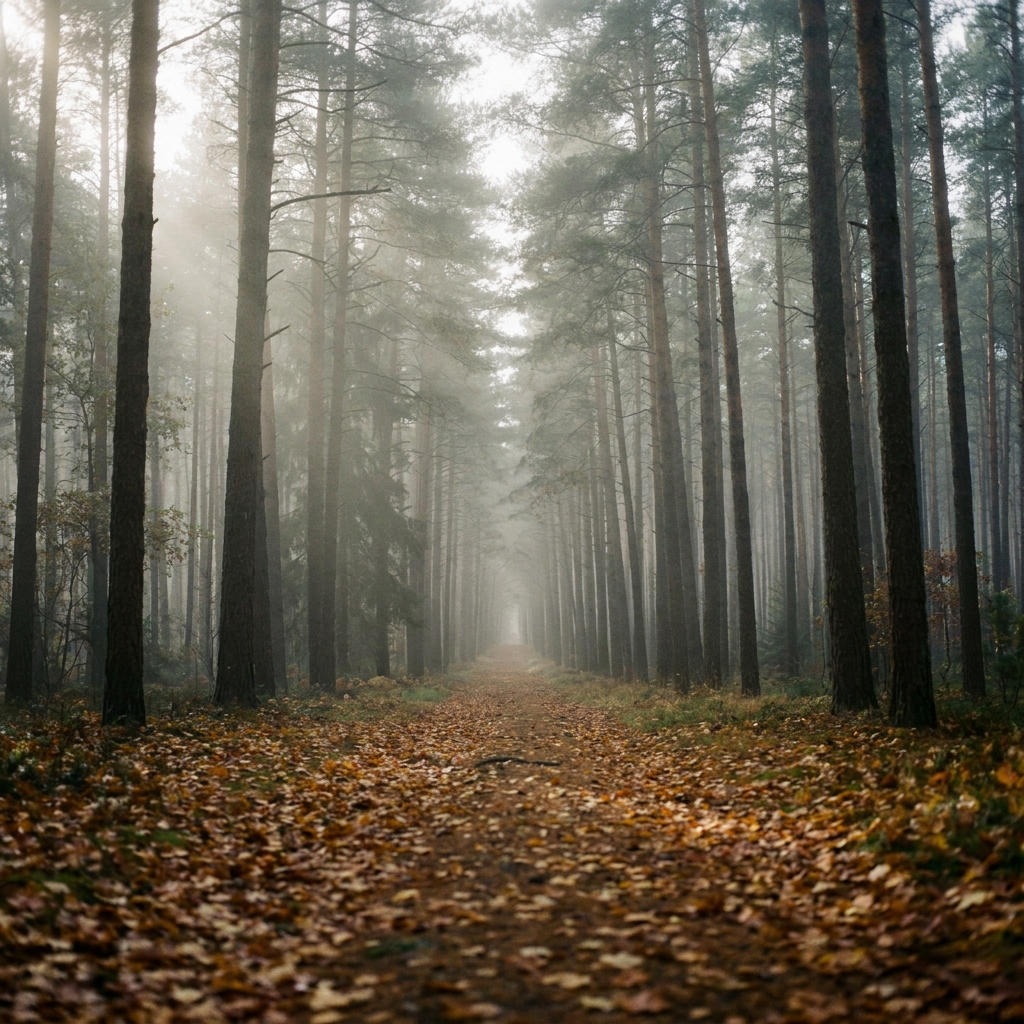
Set Output Size
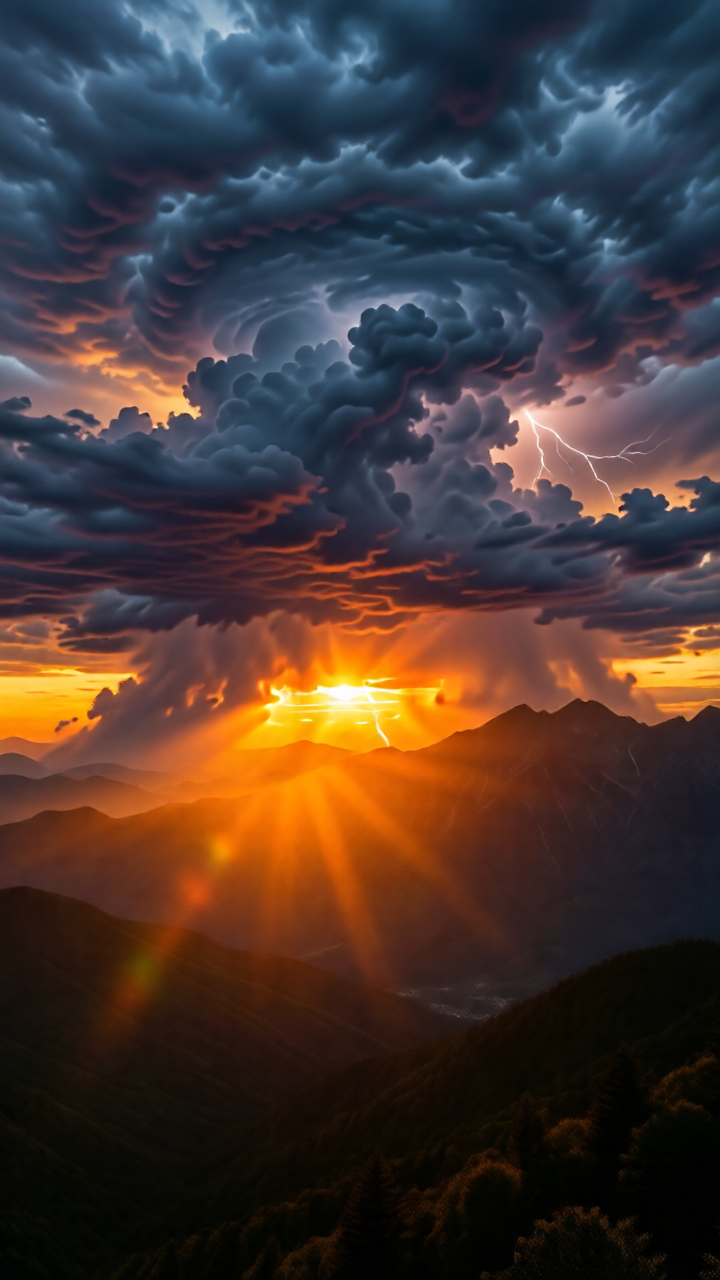
Specify the aspect ratio of the generated image to fit different social media or display platforms. Portrait (720x1280) suits mobile wallpapers or character-focused shots; landscape (1280x720) works best for widescreen displays.
size: 1024x1024 · 1152x864 · 864x1152 · 1280x720 · 720x1280
curl -X POST 'https://api.v2fun.ai/api/v1/images/edits' \
  -H 'Authorization: Bearer $V2FUN_API_KEY' \
  -H 'Content-Type: application/json' \
  -d '{
      "size": "720x1280",
      "prompt": "add dramatic storm clouds to the sky",
      "input_images": [
        "https://asset.v2fun.ai/upload/img-basic.png"
      ]
}'const response = await fetch('https://api.v2fun.ai/api/v1/images/edits', {
method: 'POST',
headers: {
'Authorization': 'Bearer $V2FUN_API_KEY',
'Content-Type': 'application/json',
},
body: JSON.stringify({
"size": "720x1280",
"prompt": "add dramatic storm clouds to the sky",
"input_images": [
"https://asset.v2fun.ai/upload/img-basic.png"
]
}),
});
const data = await response.json();import requests
resp = requests.post(
'https://api.v2fun.ai/api/v1/images/edits',
headers={
'Authorization': 'Bearer $V2FUN_API_KEY',
'Content-Type': 'application/json',
},
json={
"size": "720x1280",
"prompt": "add dramatic storm clouds to the sky",
"input_images": [
"https://asset.v2fun.ai/upload/img-basic.png"
]
},
)
print(resp.json())import java.net.URI;
import java.net.http.*;
HttpClient client = HttpClient.newHttpClient();
String body = "{\"size\":\"720x1280\",\"prompt\":\"add dramatic storm clouds to the sky\",\"input_images\":[\"https://asset.v2fun.ai/upload/img-basic.png\"]}";
HttpRequest request = HttpRequest.newBuilder()
.uri(URI.create("https://api.v2fun.ai/api/v1/images/edits"))
.header("Authorization", "Bearer $V2FUN_API_KEY")
.header("Content-Type", "application/json")
.POST(HttpRequest.BodyPublishers.ofString(body))
.build();
HttpResponse<String> response = client.send(
request, HttpResponse.BodyHandlers.ofString());
System.out.println(response.body());